How to Choose the Best Virtual Tour Platform (2026 Buyer’s Guide)

The best virtual tour platform is the one that fits your use case, your budget, and the people who will build and view your tours, not whichever tool tops a ranked list. Judge each option on how easy it is to build with, whether it works without installs, how interactive and measurable it is, and whether the pricing matches the way you actually work.
Search for the best virtual tour software and you will get a wall of results, every one of them claiming to be the number one choice. It is not very helpful when you are the person who actually has to pick.
The honest answer is that there is no single best platform. There is a best platform for your use case, your budget, and the people who will actually build and view your tours. So instead of handing you another ranked list, this guide walks through the criteria that matter and what to look for depending on your industry.
Full disclosure: we make one of these tools. SeekBeak is a no-code, browser-based virtual tour platform used by everyone from solo operators to Fortune 50 teams since 2014. We will note where it fits as we go, but the criteria below are worth applying to any platform you consider, ours included.
The Criteria That Actually Matter
Before you compare brand names, get clear on what you need the platform to do. The features that look impressive in a demo are not always the ones you will lean on every week, so it helps to score each option against the same short list of questions. Here are the eight that matter most, what good looks like for each, and the warning signs worth watching for.
How easy is it to build with?
This is the one that quietly decides whether a platform succeeds or gathers dust. If creating a tour requires a developer, a manual, or days of training, the work bottlenecks on one person and the tool stops getting used. Look for a genuinely no-code builder where a non-technical team member can upload images, drag on hotspots, and publish the same afternoon.
A good sign is being able to go from a folder of photos to a shareable link in a single sitting. A red flag is any platform that needs a paid onboarding package just to produce your first tour, or that hides everyday actions behind a support ticket. Ease of use largely determines how much value you actually get out of the subscription.
Does it work everywhere, with no installs?
Your audience did not sign up to download anything. Every app install, plugin, or "please open in our viewer" step is a place where people drop off before they ever see your content. A browser-based platform that runs across desktop, mobile, and tablet on any operating system removes that barrier entirely.
Test this directly: open a sample tour on your own phone, on an older laptop, and on a tablet, and see whether it just works. If a platform pushes a dedicated app or struggles outside of one browser, assume a meaningful share of your audience will never make it in.
How interactive can you make it?
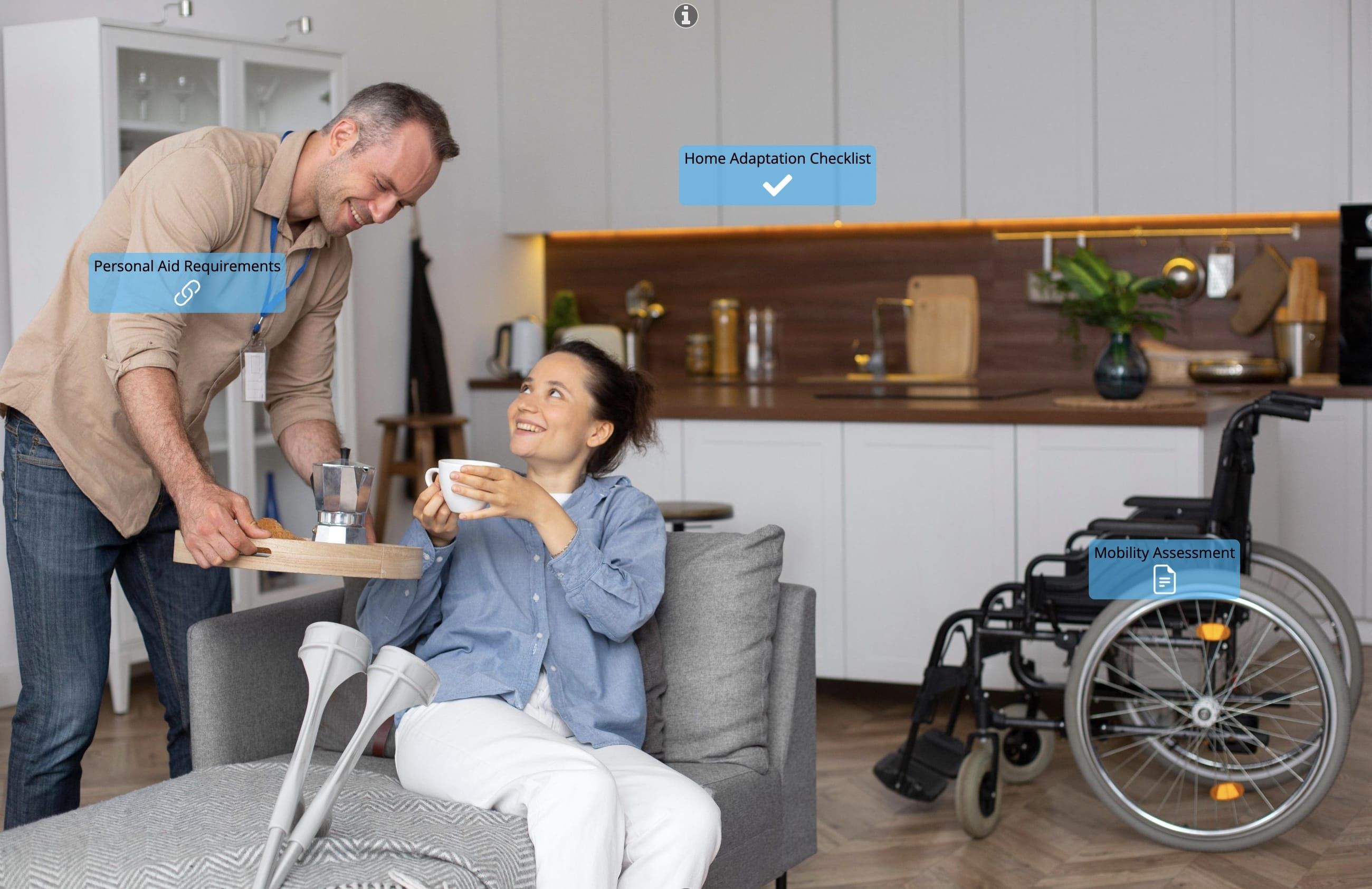
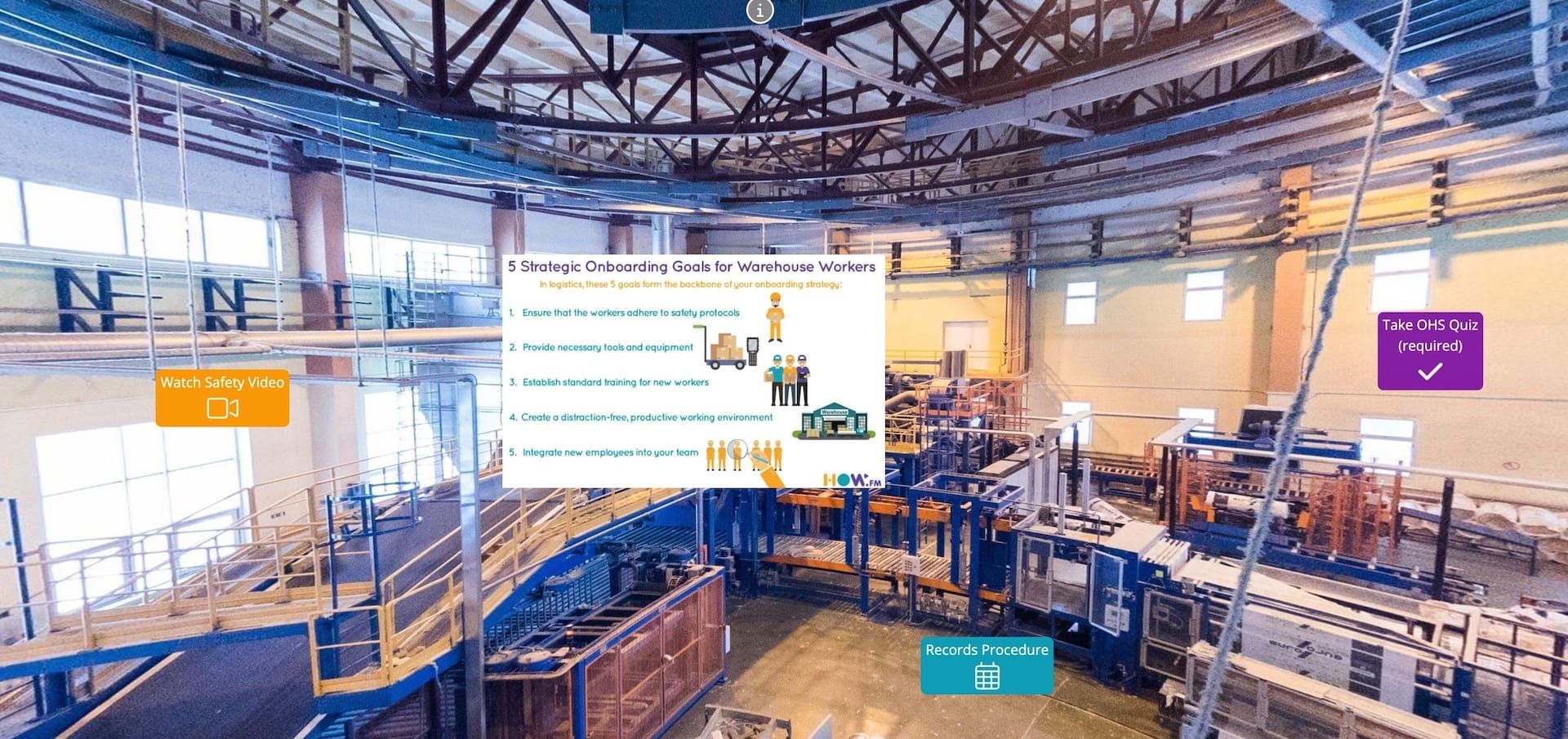
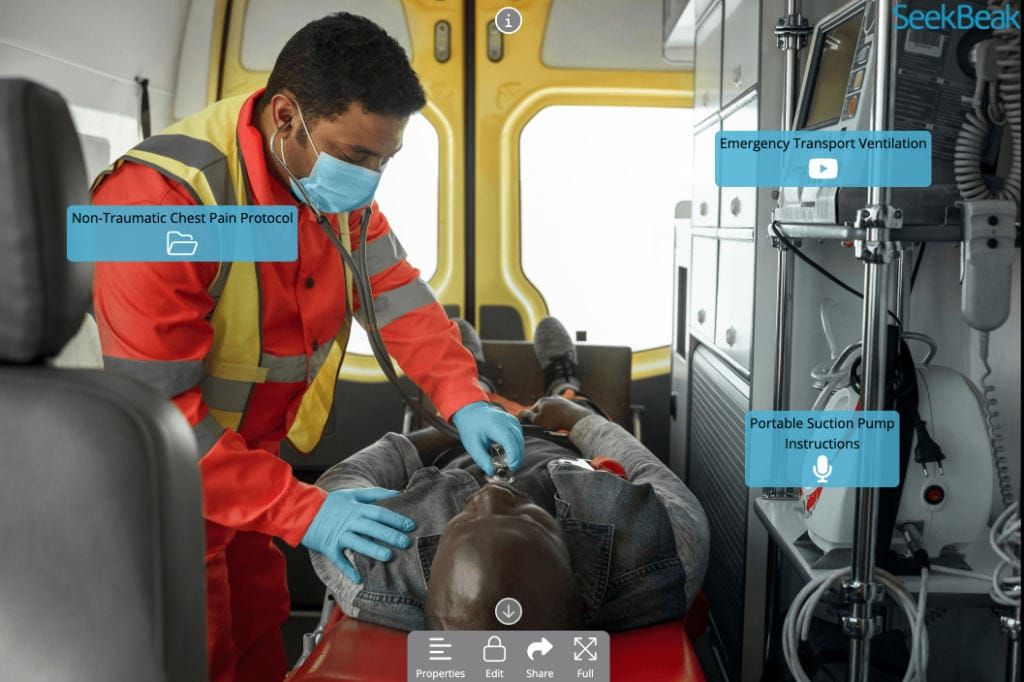
A 360° image on its own is just a picture you can spin. The interactivity is what turns it into something useful, so look closely at what you can actually place inside a scene. Strong platforms let you add rich hotspots that open video, documents, forms, and links, plus tools like Custom Overlays for persistent branded navigation and information panels that stay on screen as people explore.
The SeekBeak feature grid is a good way to gauge depth, because it lays out the full range of hotspot types, embeds, and interactions in one place. As a rule of thumb, the more ways a tool lets a visitor do something rather than just look at something, the more mileage you will get from each tour.
Can you measure what happens?
If you cannot see how people engage, you are flying blind and you cannot prove the work paid off. Prioritize built-in analytics and heatmaps that show which scenes held attention, which hotspots got clicked, and where people lost interest. That data is what turns a tour from a one-off project into something you can improve over time.
One detail that separates serious platforms from the rest is ad-blocker resistance. SeekBeak hosts its analytics on its own domain, so the numbers are not quietly stripped out by browser privacy tools the way third-party trackers often are. Ask any vendor how complete their data really is.
Can you present live?
For sales, teaching, and onboarding, a self-guided tour is only half the story. The ability to run a live, synchronized walkthrough where everyone follows the same view turns the platform into a presentation tool. SeekBeak's Tour Guide lets a host control what every connected viewer sees in real time, with video, audio, and chat built in, so a remote pitch or a new-hire orientation feels like being in the room together.
If live presenting is part of your plan, confirm it is native to the platform rather than something you have to bolt on with a separate video call running alongside it.
How does it embed, share, and brand?
A tour that is hard to distribute will not travel far. Check that you can embed it on any website with a simple snippet, share it by direct link or QR code, and generate clean social previews so shared links look polished. Each of those is a different way your tour reaches people, and you want all of them available.
Branding matters just as much. At a minimum you should be able to apply your colors and logo. If you are an agency or you care about a seamless experience, look for white-label options and custom domains so the experience is yours end to end, with no other company's name on it.
Will it integrate, stay secure, and is support there when you need it?
A virtual tour rarely lives alone. Check whether the platform connects to the tools you already use, from your CRM to your analytics, and whether it offers an API for anything custom. SeekBeak, for instance, works with tools like HubSpot and Google Analytics and has a bi-directional Embed API for deeper website integration, so your tour can pass data to the rest of your stack.
Security matters too, especially for internal or client-only content. Look for privacy controls such as unlisted-by-default content, password protection, and domain restrictions, so a stray link does not expose something it should not. And do not overlook support: when something needs fixing before a client presentation, fast and knowledgeable help is worth more than another feature. Check whether real human support and training are included on your plan.
Does the pricing fit the way you work?
Headline prices rarely tell the whole story. What matters is whether the plan matches your real usage, the number of tours you will publish, the people who need access, and the features you actually need rather than a bundle you will half-use. Watch for limits that look generous until you scale, like caps on views, scenes, or team seats.
The safest move is to start on a free trial and map a plan to a real project before you commit. You can review transparent pricing up front, which is itself a good signal: if a platform makes you book a call just to learn what it costs, take note.
What to Look for by Industry
The criteria above apply to everyone, but the weighting changes depending on what you do. A school cares about different things than a real estate developer. (If you are still deciding whether you need one at all, start with what a virtual tour can do for your business.) Here is how the priorities shift across a few of the most common use cases, and what to look for in each.
Best for education and training
Schools and training teams live and die by consistency and assessment. Every learner needs the same experience, and someone needs to prove they actually completed it. That makes embedded quizzes and forms, live guided sessions for cohorts, and completion tracking far more important than flashy visuals.
Look for a platform that lets you drop knowledge checks directly into a scene and export the results for compliance records. SeekBeak supports all of this for education and training, and it is worth reading how interactive 360° tours support learning before you commit to a tool that only does passive viewing.
Best for architecture and design
Design, architecture, and construction teams are usually trying to make a space legible to people who cannot read a floor plan, and who are rarely on site. The priority here is presenting spaces clearly to clients and stakeholders in another city, layering in context, and getting sign-off remotely.
Prioritize high-quality 360° and drone imagery, hotspots that attach documents, specs, and reference material to specific points in a space, and live walkthroughs so you can talk a client through a build without flying everyone in. Here is more on virtual tours for design, architecture, and construction.
Best for retail and facility management
Retailers and facility teams need interactivity that drives action and content that is painless to keep current. A virtual store should let people do something, not just look, and a head office should be able to update every location at once.
Look for shoppable hotspots that connect to your store, branded overlays, and simple publishing so a change made at headquarters goes live everywhere instantly with no reshoots or reprints. See how it comes together for retail, including a fully shoppable virtual showroom, where the same tour can serve sales, merchandising, and operations.
How to Make the Final Call
Once you have weighed the criteria against your industry, narrowing the field is straightforward. Work through these four steps in order:
- Shortlist on capability, not marketing. Compare features side by side against your scored criteria, and ignore the "number one" badges. The right tool is the one that does your specific job well.
- Check independent reviews. Read what real users say on a site like G2 to catch the issues that never show up in a sales demo, especially around support and reliability.
- Build one real tour on a free trial. Not the sample project, your project. Nothing tells you whether a platform fits like creating something you would actually publish.
- Pressure-test the experience. Open your trial tour on a phone, share it with a colleague, and check the analytics. If it is easy for you to build and easy for them to view, you have found your platform.
Key Takeaways
- There is no single best virtual tour platform, only the best one for your use case, audience, and budget.
- Judge platforms on ease of use, device support, interactivity, analytics, live presentation, embedding, branding, and pricing.
- Education teams should prioritize quizzes and tracking; design teams need clear imagery and remote walkthroughs; retail needs shoppable, easy-to-update tours.
- Watch for red flags like required paid onboarding, app-only viewing, hidden pricing, and analytics that ad-blockers strip away.
- Shortlist on real capability, read independent reviews, then build one real tour on a free trial before committing.
Frequently Asked Questions
There is no single best platform, only the best one for your use case, audience, and budget. The right choice depends on how easy it is to build with, whether it runs without installs, how interactive and measurable it is, and whether the pricing fits how you work. Score each option against those criteria rather than trusting a "number one" badge.
Look for a genuinely no-code builder, browser-based viewing with no installs, rich hotspots that open video, documents, forms, and links, and built-in analytics and heatmaps. Live guided presentation, easy embedding and sharing, branding or white-label options, integrations with an API, and privacy controls round out a strong platform. The mix you weight most heavily depends on your industry.
Pricing varies widely, so what matters is whether a plan matches your real usage: the number of tours you publish, the people who need access, and the features you will actually use. Watch for caps on views, scenes, or team seats that look generous until you scale. Starting on a free trial and mapping a plan to a real project is the safest way to judge value, and transparent pricing up front is a good sign.
They should not have to. A browser-based platform runs across desktop, mobile, and tablet on any operating system, so viewers simply click a link. Any app install or "open in our viewer" step is a place where people drop off before they see your content, so app-only viewing is a red flag.
The Best Way to Judge a Platform Is to Try It
Put SeekBeak on your shortlist and build your first interactive tour for free. No code, no installs, no credit card.