SeekBeak Teams: Collaboration on 360 Images & Virtual Tours!
November 10, 2017 • By Tim A.
Features
Update
Presenting... SeekBeak Teams!
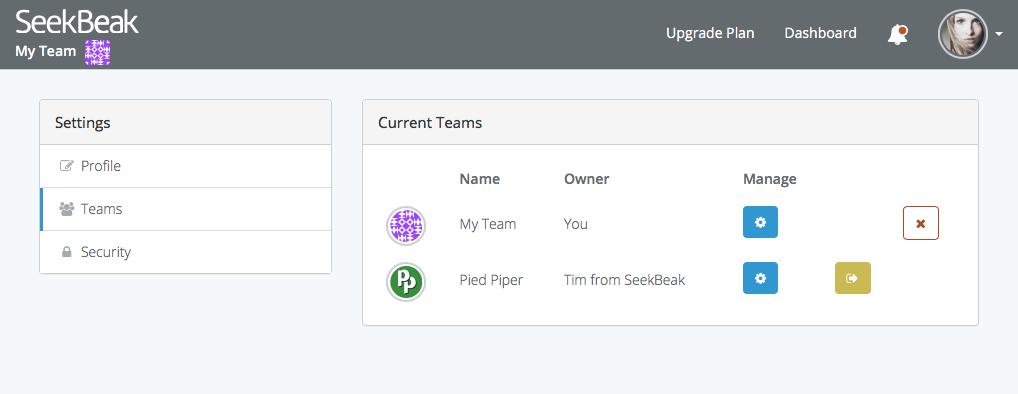
What does this update do for me?
A few things that Team based accounts allow for:- Teams can be partially or fully 'White Labelled', depending on their action plan. This means that members only see your branding when registering and using the system.
- All people in a Team share Snaps, Maps, Groups, Custom Hotspot Icons, and Reports.
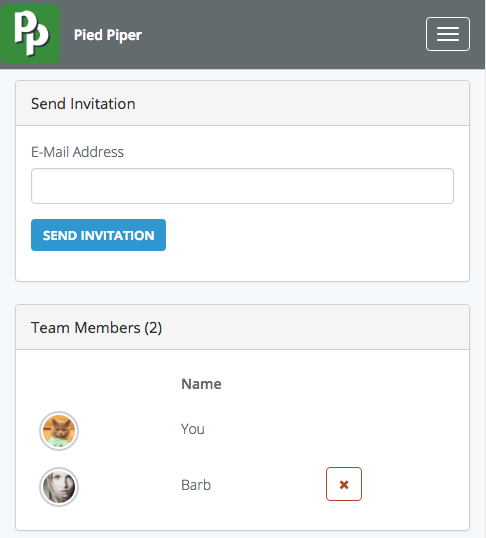
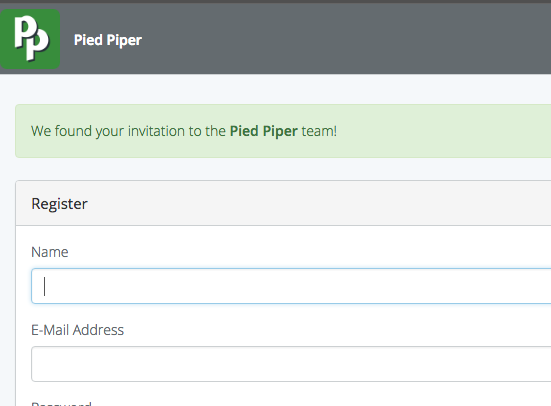
- Team owners have the ability to manage member invitations, Team subscriptions, and billing details. Team members never see any billing/invoicing information.
- Teams are completely separate entities, including all content, billing, and subscription details. In an Agency/Client situation, this means that Client A could be on a Basic plan, while Client B and C could be on the Premium plan. Invoices for all your Teams come directly to you, the Agency/Team owner.
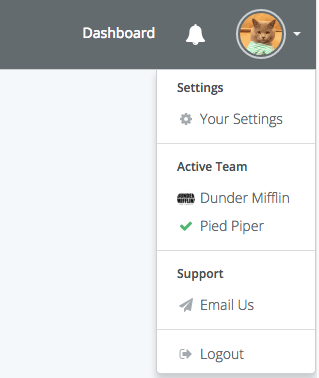
- Any SeekBeak user can be a member of different Teams, even Teams with different owners, and can instantly switch between Teams at any point. In an educational situation, different instructors could set up Teams for their classes. Students could be members in one, some, or all of the Teams, even though the Teams are owned by different instructors.
Awesome, what's all this going to cost?
All of the new Team/Member functionality is... free! You can start creating Teams and inviting people to join your Teams immediately via the new Teams section in your settings area. Here's the fine print:- You can only have one free Team at any point.
- You can own as many Teams as you like, as long as #1 is met. In other words, as long as your owned Teams have active subscriptions, you can keep adding more.
- You can be a member of as many Teams as you like, regardless of their plans.