Tour Guide Overlay and Viewer Links Update
September 28, 2021 • By Tim A.
How-To
Update
Tour Guide Overlay Update
Tour Guide functionality has been updated to play nicer with any Overlays you have created! Overlay Nodes now behave more like Hotspots while you are giving a remote tour, or being guided on a tour.
If you are being guided:
- Clicking on an Overlay Node will show a message saying it's inactive while being guided.
- Hovering over/out on a Node won't trigger any over/out events.
If you're Hosting or Guiding the tour:
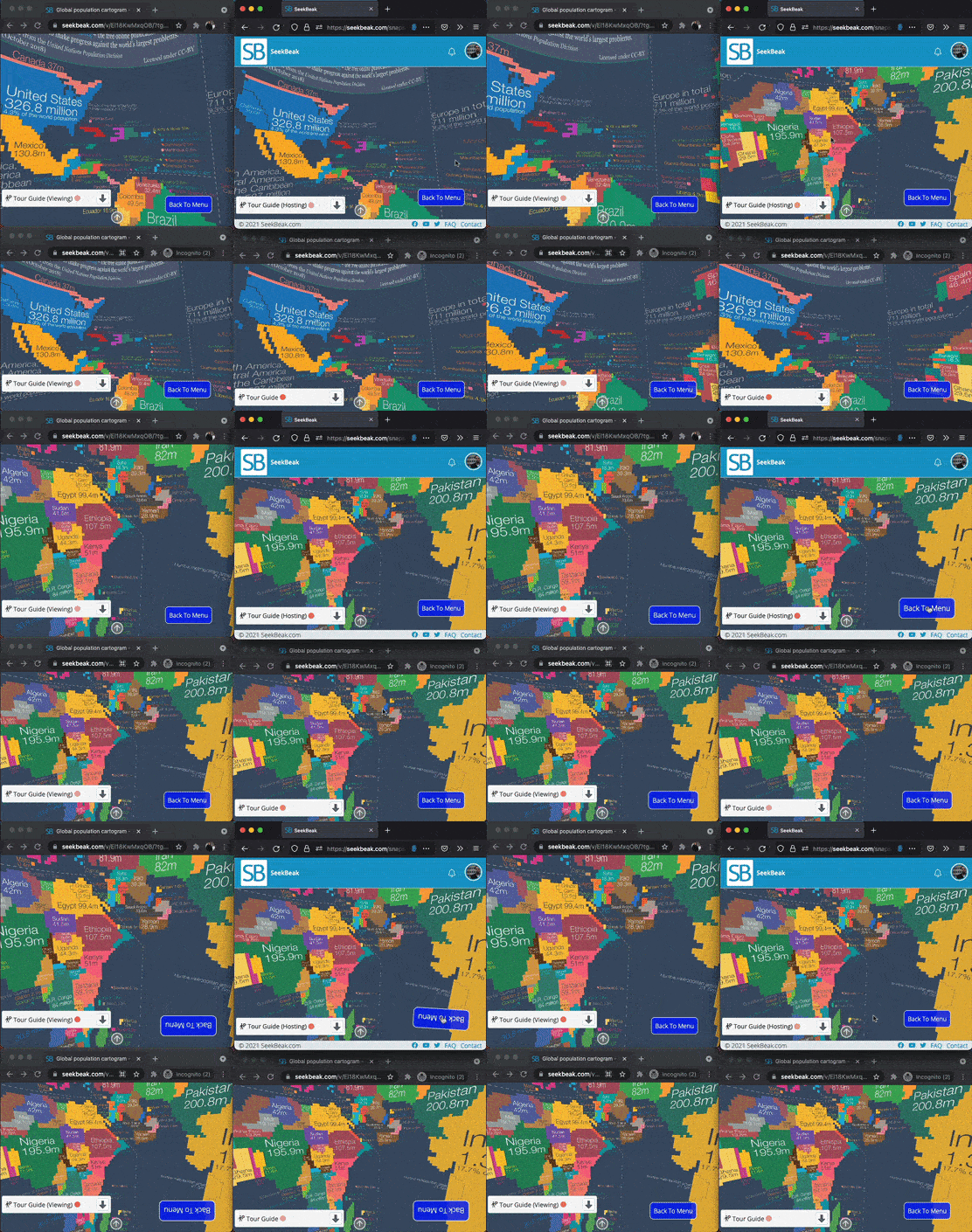
- Nodes with any Click, Over, or Out Actions assigned to them will be replicated to all people viewing. i.e. Hovering over an Overlay menu to make it appear, then clicking a menu item will now be replicated perfectly on all viewer's devices.
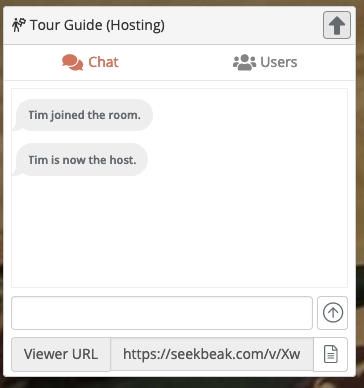
Tour Guide Viewer Links
About Tour Guide Scheduled appointments with TourGuide